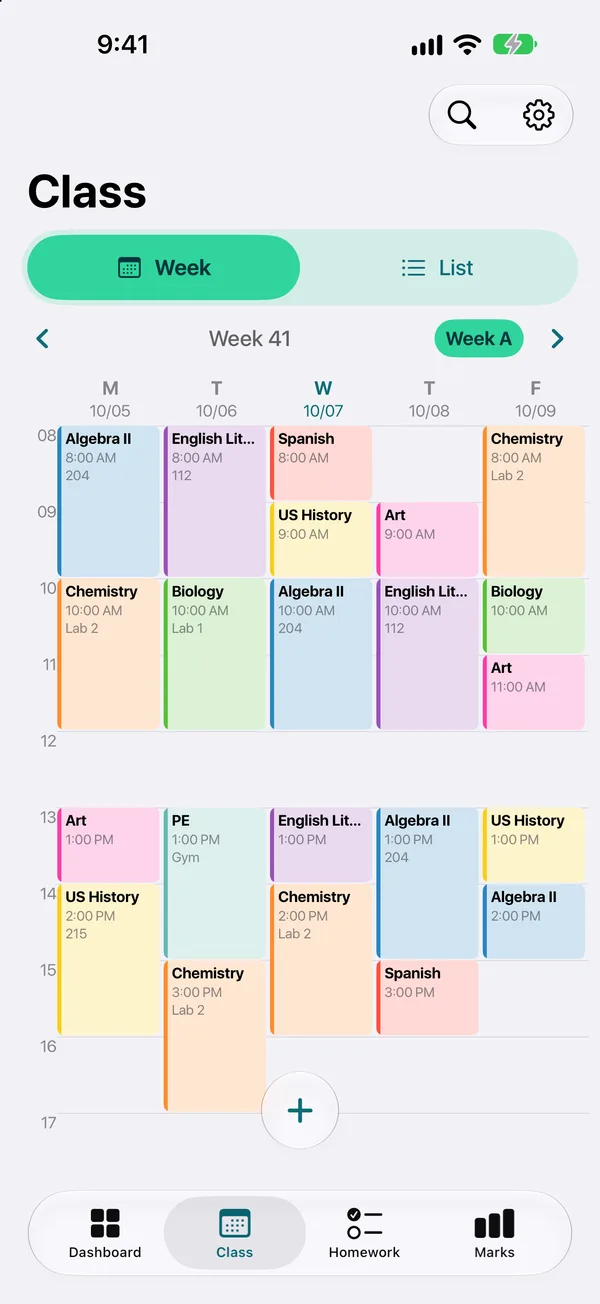
A week you read at a glance
Each class in its colour, with the room and the teacher. Week A and week B are handled for you.
Not a generic calendar. Every screen is made for classes, rooms, teachers and due dates.
Each class in its colour, with the room and the teacher. Week A and week B are handled for you.
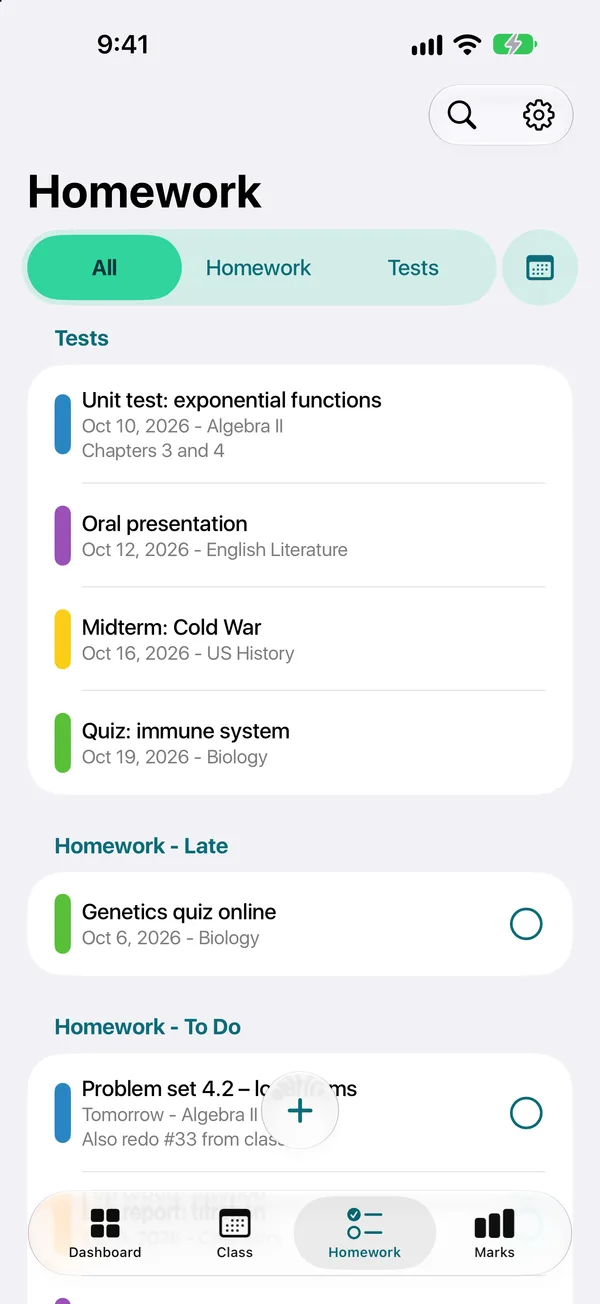
Add an assignment from the class itself. Due dates, late work flagged, a photo of the board if you need it.
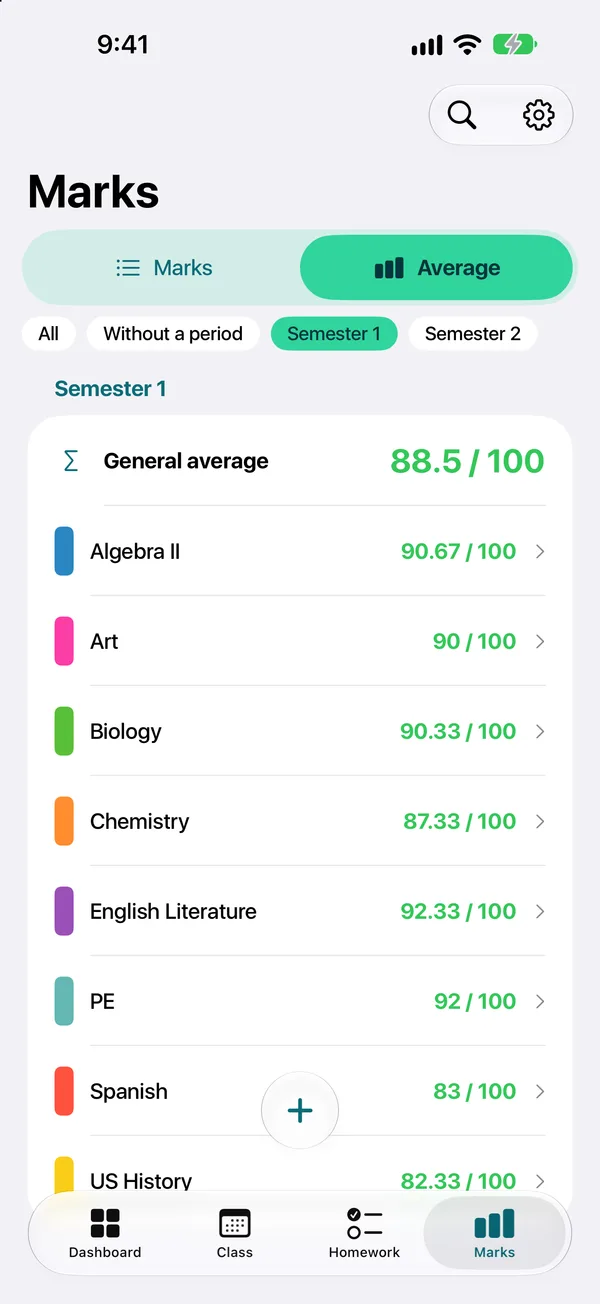
Enter a grade, TimeTo updates the average per subject and per term, with coefficients.
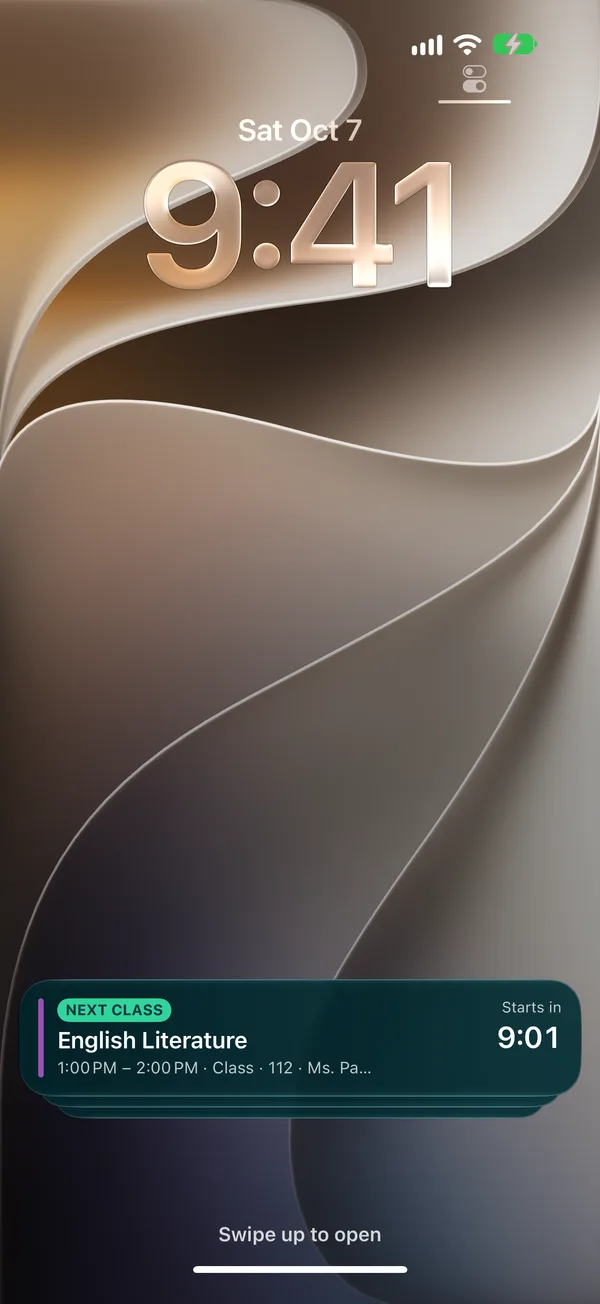
On iPhone, the current class and the next room show up on the Lock Screen and in the Dynamic Island.
The week view, the current class on the Lock Screen, homework, grades and widgets.
Subject, room, teacher, colour. Or import an iCal link from your school.
Put each class in its slot, with week A and week B if your school alternates.
Homework, tests and grades attach to the right class, reminders do the rest.
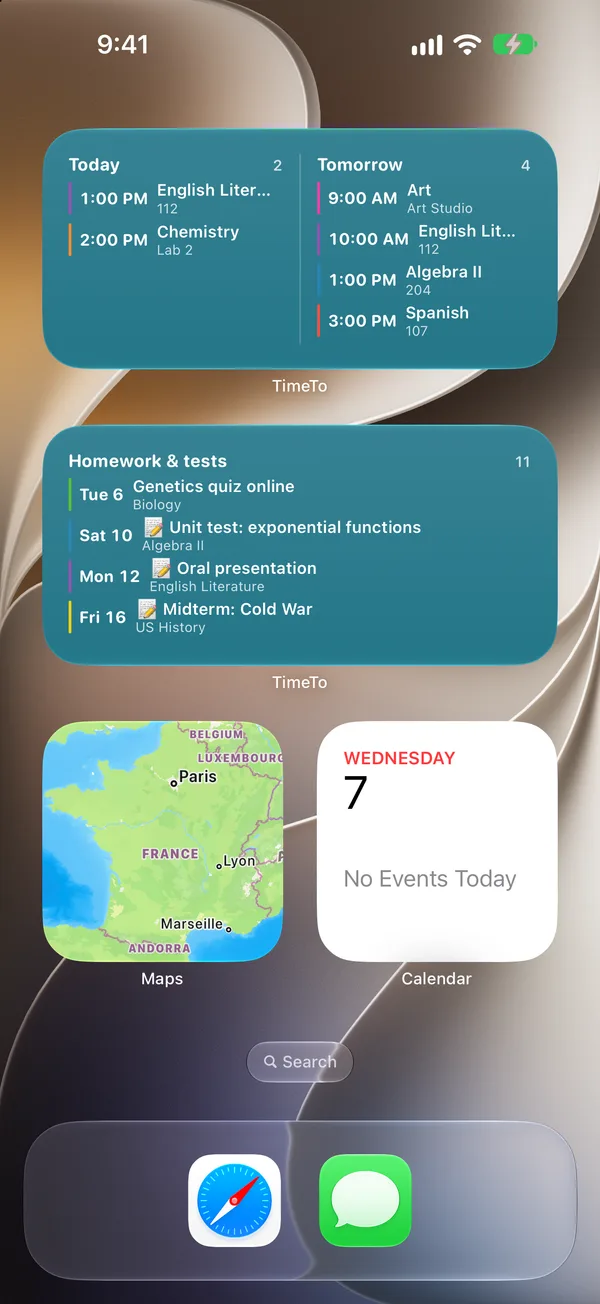
Today’s classes and pending homework on your home screen.
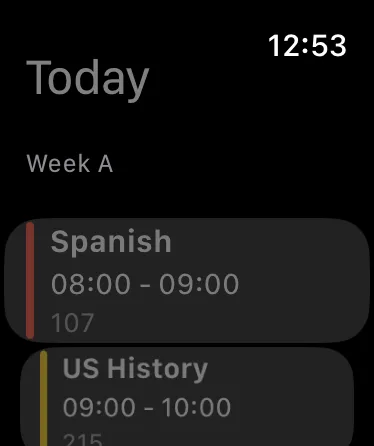
Your next class and room on your wrist.
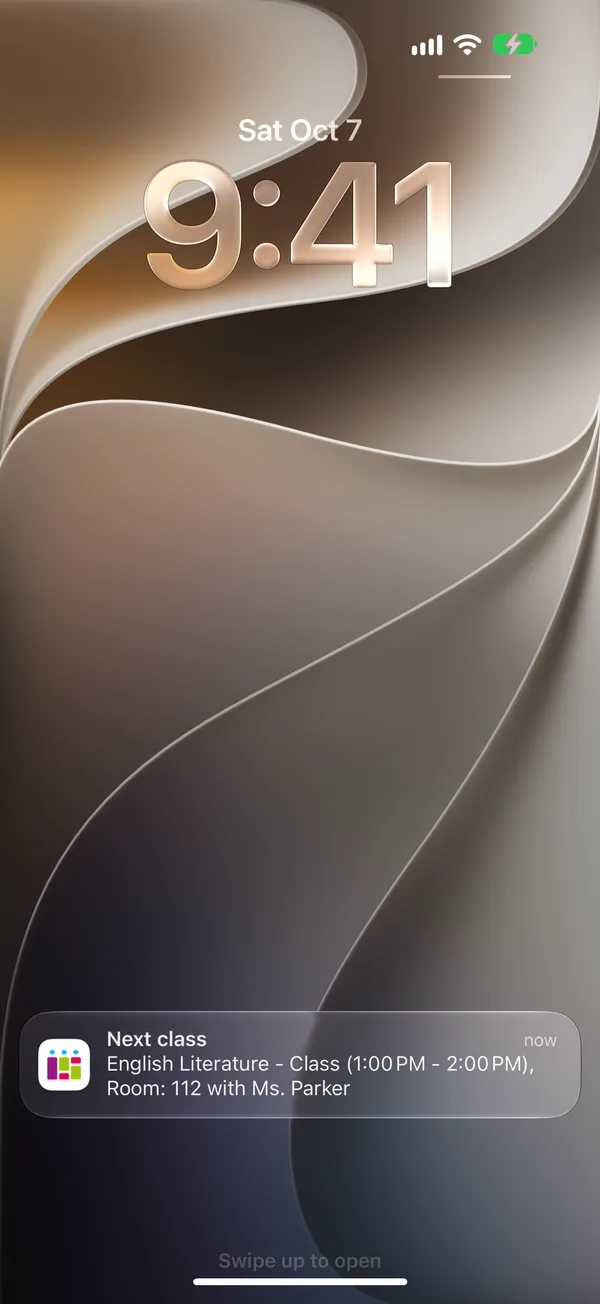
A notification before each class and before each due date.
Yes. TimeTo is free to download, and the timetable, homework and tests are free to use. An optional Premium subscription unlocks A/B weeks, reminders, unlimited grades, homework photos, sync across devices, sharing, family access and removes ads.
Yes. If your school alternates between two timetables, you set week A and week B once and TimeTo shows the right week automatically. It is a Premium feature.
Yes. TimeTo is available on iPhone, iPad and Apple Watch, and on Android phones through Google Play.
If your school or your school portal gives you an iCal (.ics) link, you can import it into TimeTo. Otherwise you add your classes by hand in a few minutes.
Yes. With the family feature (Premium), a parent can access their children’s accounts and see their timetable and homework.
Your timetable is stored with your account so you can find it on a new phone. You can delete your account and all your data at any time from the app.