· By Olivier Bernal
Printable class timetable template (free PDF, with a week A / week B page)
Free printable class timetable: a blank weekly grid and a week A / week B page on A4, plus how to fill it in so it actually helps.
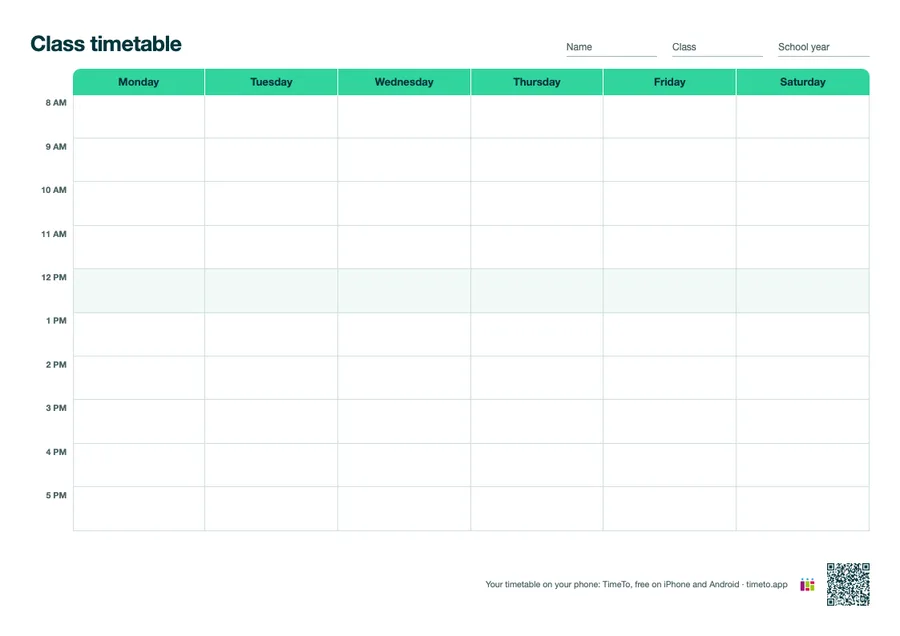
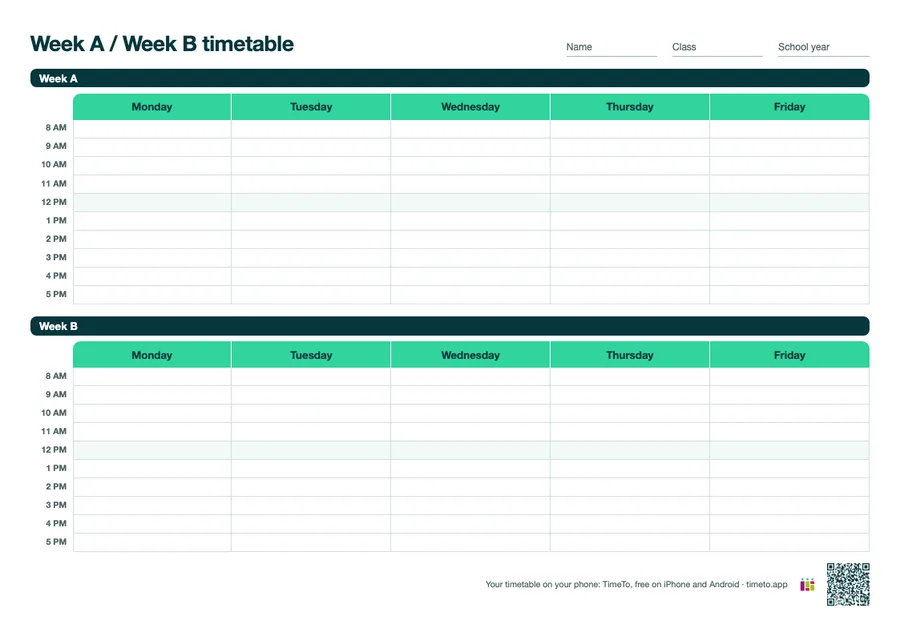
Download the free template: printable class timetable (PDF, 2 pages, A4). Page 1 is a blank Monday to Saturday grid with hourly rows. Page 2 holds week A and week B on one sheet, for schools that alternate between two timetables.
A timetable on paper still has its place: on the fridge, in the front of a binder, on the wall above a desk. What it can’t do is remind you that biology moved rooms or that the essay is due tomorrow. This page gives you the paper version, explains how to fill it in, and shows where an app takes over.
What is in the template
- Page 1, the weekly grid. Monday to Saturday, one row per hour from 8 AM to 5 PM, a shaded lunch row, and fields for your name, class and school year.
- Page 2, week A and week B. Two Monday to Friday grids on one sheet. Most free templates stop at one week; if your school alternates, you would otherwise print two copies and lose one.
The grid is light on ink: white cells, mint headers, nothing to colour in unless you want to.
How to fill in a class timetable in five minutes
- Start from the official timetable your school gives you, not from memory. Copy it exactly once, then never again.
- Write the subject big and the room small. You read the subject from across the room; you only need the room when you are already walking.
- Give each subject one colour and keep it everywhere: highlighter on paper, the same colour in your app. Colour is what your eye finds first.
- Mark the lunch break and free periods. An empty cell is ambiguous: is it free, or did you forget it?
- Add the teacher’s name in the corner for the first weeks of the year. You will drop it after a month.
If your classes don’t start on the hour, ignore the printed times and write your own start times in the left column.
Week A and week B: how an alternating timetable works
Some schools run a two-week cycle: the timetable for week A is not the same as week B. It lets a school fit a subject that has, say, an hour and a half per week into whole double periods, by giving it two hours one week and one hour the next.
The trap is not the timetable itself, it is knowing which week you are in. Write “A” or “B” at the top of each week in your planner, or keep page 2 of the template next to page 1 and tick the current week every Monday.
TimeTo does this part for you: you set week A and week B once in the settings, and the app shows the right one automatically, with the current week as a badge on the week view. It is on the features page, with the other things paper can’t do.
Paper or app: use both, for different jobs
Planning your week is a skill, not just a sheet. The Education Endowment Foundation’s guidance report on metacognition and self-regulated learning describes it as teaching pupils strategies for “planning, monitoring, and evaluating their learning”, and its Teaching and Learning Toolkit rates the approach as high impact for low cost.
A printed timetable covers the planning part: you see the week at a glance. Monitoring is where paper runs out: it does not tell you what is due tomorrow, or which room your next class is in when you are already in the corridor. That is the job of an app:
- your next class and room on the Lock Screen, and on your watch;
- homework attached to the class, with the due date and late work flagged;
- grades that update your average per subject on their own.
You can compare the options honestly on our paper vs calendar vs app page, and see who uses TimeTo and how.
Your school alternates week A and week B. What is the most common mistake?
The timetable itself is easy to copy. Knowing whether this is week A or week B is what trips people up: tick the week every Monday, or let an app track it.
Get the paper version and the app version
Print the free PDF, stick page 1 on the wall, and keep the same timetable in your pocket: download TimeTo for free on iPhone and Android. Setting up the week takes a few minutes, and it is the last time you copy your timetable by hand.